Top MicroSD Cards for Every Device and Budget
The SanDisk Extreme Pro microSDXC UHS-I tops our list for its blend of high read speeds and proven durability, making it ideal for 4K video recording on action cameras and drones. Its main limitation is that it is more expensive than standard cards, but owners report dependable performance in demanding conditions.
Choosing the right microSD card can be confusing with so many options on the market. The wrong card leads to slow transfers or corrupted footage. This guide cuts through the specs to find the best card for your needs.
We analyzed speed classes, storage sizes, and real-world user feedback to rank the top microSD cards. Whether you need a card for a Nintendo Switch or a professional camera, there is a match here.
The shortlist, ranked

SanDisk Extreme Pro microSDXC UHS-I
The SanDisk Extreme Pro is a favorite among content creators. It offers lightning-fast read speeds up to 200 MB/s and write speeds up to 90 MB/s, ensuring smooth 4K recording. Built for extreme conditions, it is waterproof, shockproof, and X-ray proof.
Pros
- Fast read speeds for quick file transfers
- Excellent for 4K video recording
- Durable design withstands harsh conditions
Cons
- Premium price
- Write speed is lower than some UHS-II cards
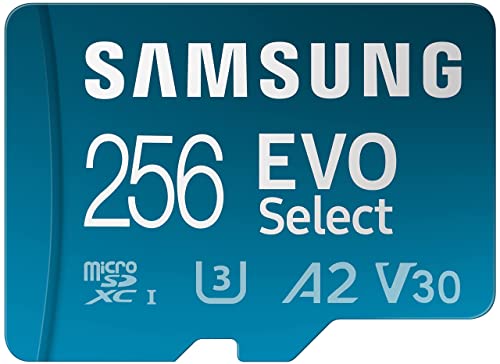
Samsung EVO Select microSDXC
The Samsung EVO Select offers reliable performance at an affordable price. With read speeds up to 130 MB/s and write speeds up to 30 MB/s, it handles everyday tasks and Full HD recording with ease. It comes with a full-size SD adapter for versatility.
Pros
- Great price-to-performance ratio
- Includes SD adapter
- Reliable for daily use
Cons
- Not ideal for 4K video
- Write speeds are moderate

SanDisk Extreme microSDXC UHS-I
The SanDisk Extreme is designed for adventure. It delivers read speeds up to 160 MB/s and write speeds up to 60 MB/s, meeting the demands of 4K video on GoPro and DJI devices. It is built to survive water, shock, and temperature extremes.
Pros
- High write speeds for smooth 4K recording
- Rugged build for outdoor use
- Wide capacity range
Cons
- Slightly slower than Pro version
- Can get warm during heavy use

Lexar Professional 1000x microSDXC UHS-II
The Lexar Professional 1000x utilizes UHS-II technology for blazing read speeds up to 150 MB/s and write speeds up to 90 MB/s. It is perfect for photographers who shoot burst mode and need quick offloading. It includes a USB 3.0 card reader for convenience.
Pros
- Extremely fast transfer speeds
- Includes USB reader
- Reliable for professional use
Cons
- Requires UHS-II compatible device for full speed
- Higher cost per GB

PNY Elite-X microSDXC
The PNY Elite-X offers solid performance for a low price. With read speeds up to 100 MB/s and write speeds up to 60 MB/s, it handles Full HD and entry-level 4K recording. It is a dependable choice for everyday storage needs.
Pros
- Very affordable
- Good write speed for the price
- Available in high capacities
Cons
- Slower read speed than competitors
- Build quality not as rugged
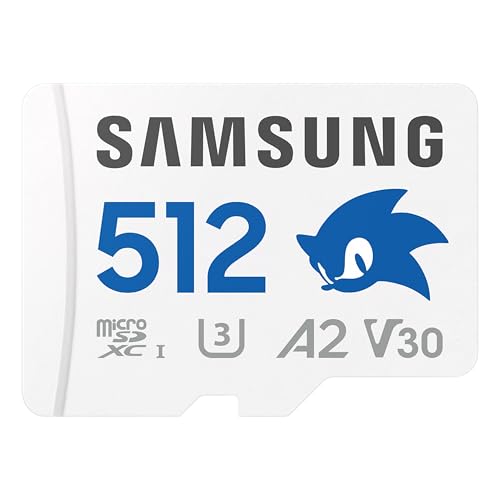
Samsung PRO Plus microSDXC
The Samsung PRO Plus is engineered for continuous recording. It offers read speeds up to 160 MB/s and write speeds up to 120 MB/s, and it is designed to withstand extreme temperatures and long-term use. Ideal for dashcams and security cameras.
Pros
- High write speeds for continuous recording
- High endurance for long-term use
- Temperature resistant
Cons
- Limited capacity range
- May be overkill for basic use
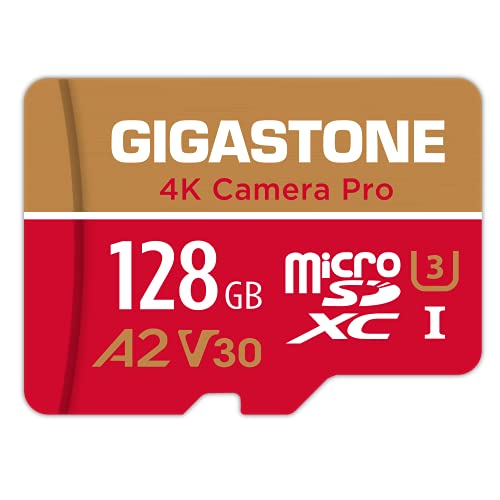
Gigastone microSDXC UHS-I
The Gigastone microSDXC card is a reliable and affordable option for expanding storage on gaming consoles. It offers read speeds up to 95 MB/s, which is sufficient for loading games on the Nintendo Switch. It comes with an SD adapter for easy use.
Pros
- Low cost
- Works well with Nintendo Switch
- Includes SD adapter
Cons
- Slower read speeds
- Not suitable for 4K recording
What to look for
Side by side
| # | Model | Capacity | Best for | Score | Price |
|---|---|---|---|---|---|
| 1 | SanDisk Extreme Pro microSDXC UHS-I | 64GB to 1TB | 4K video and demanding applications | 9.4 | Check price |
| 2 | Samsung EVO Select microSDXC | 32GB to 512GB | Smartphones and tablets | 9.1 | Check price |
| 3 | SanDisk Extreme microSDXC UHS-I | 32GB to 1TB | Action cameras and drones | 9.0 | Check price |
| 4 | Lexar Professional 1000x microSDXC UHS-II | 64GB to 256GB | Professional photography | 8.8 | Check price |
| 5 | PNY Elite-X microSDXC | 64GB to 512GB | Budget-conscious buyers | 8.4 | Check price |
| 6 | Samsung PRO Plus microSDXC | 128GB to 512GB | High endurance recording | 8.7 | Check price |
| 7 | Gigastone microSDXC UHS-I | 64GB to 512GB | Nintendo Switch and handhelds | 8.2 | Check price |
Frequently asked questions
What is the difference between UHS-I and UHS-II?
UHS-II cards have a second row of pins for faster data transfer, but they require compatible devices. UHS-II cards are backward compatible with UHS-I slots, but they will run at lower speeds. For most users, UHS-I is sufficient.
Can I use a microSD card in a full-size SD slot?
Yes, with an SD adapter. Most microSD cards come with a full-size SD adapter, allowing you to use the card in cameras and laptops that accept standard SD cards.
How do I know if a microSD card is fast enough for 4K video?
Look for cards with a U3 or V30 rating or higher. These cards guarantee a minimum write speed of 30 MB/s, which is required for smooth 4K recording. Some high-end cards offer even faster speeds.
What is the maximum capacity my device supports?
Check your device’s manual or manufacturer’s website. Many modern smartphones and cameras support up to 512GB or 1TB, but older devices may be limited to 32GB or 64GB.
Are expensive cards worth it?
If you record 4K video or need fast transfers, investing in a high-speed card is worth it. For basic storage, a budget card may suffice. Consider your usage patterns.
Can a microSD card be used in a Nintendo Switch?
Yes, the Nintendo Switch supports microSD cards up to 2TB (though 1TB is the largest available). A card with at least U1 speed is recommended for smooth game performance.
How do I format a microSD card?
You can format a microSD card using your device’s formatting tool or a computer. For most devices, FAT32 is used for cards up to 32GB, and exFAT for larger cards. Some devices require FAT32, so check compatibility.
What does A1 or A2 mean?
A1 and A2 are Application Performance Classes, indicating random read/write speeds for app performance. A2 is faster and better for running apps directly from the card, such as on Android devices.
How long do microSD cards last?
MicroSD cards have a limited number of write cycles. For typical use, they can last several years. High-endurance cards are designed for constant recording and last longer in dashcams.
Can I recover data from a corrupted microSD card?
Sometimes data can be recovered using software, but it is not guaranteed. To prevent data loss, regularly back up important files and use quality cards from reputable brands.
Our pick
For most users, the Samsung EVO Select offers the best balance of price and performance, making it our top recommendation for everyday use. If you record 4K video or use demanding apps, the SanDisk Extreme Pro is the best choice for its speed and durability.


